
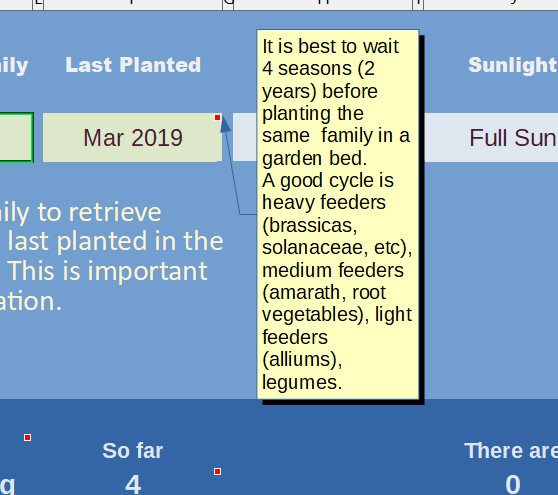
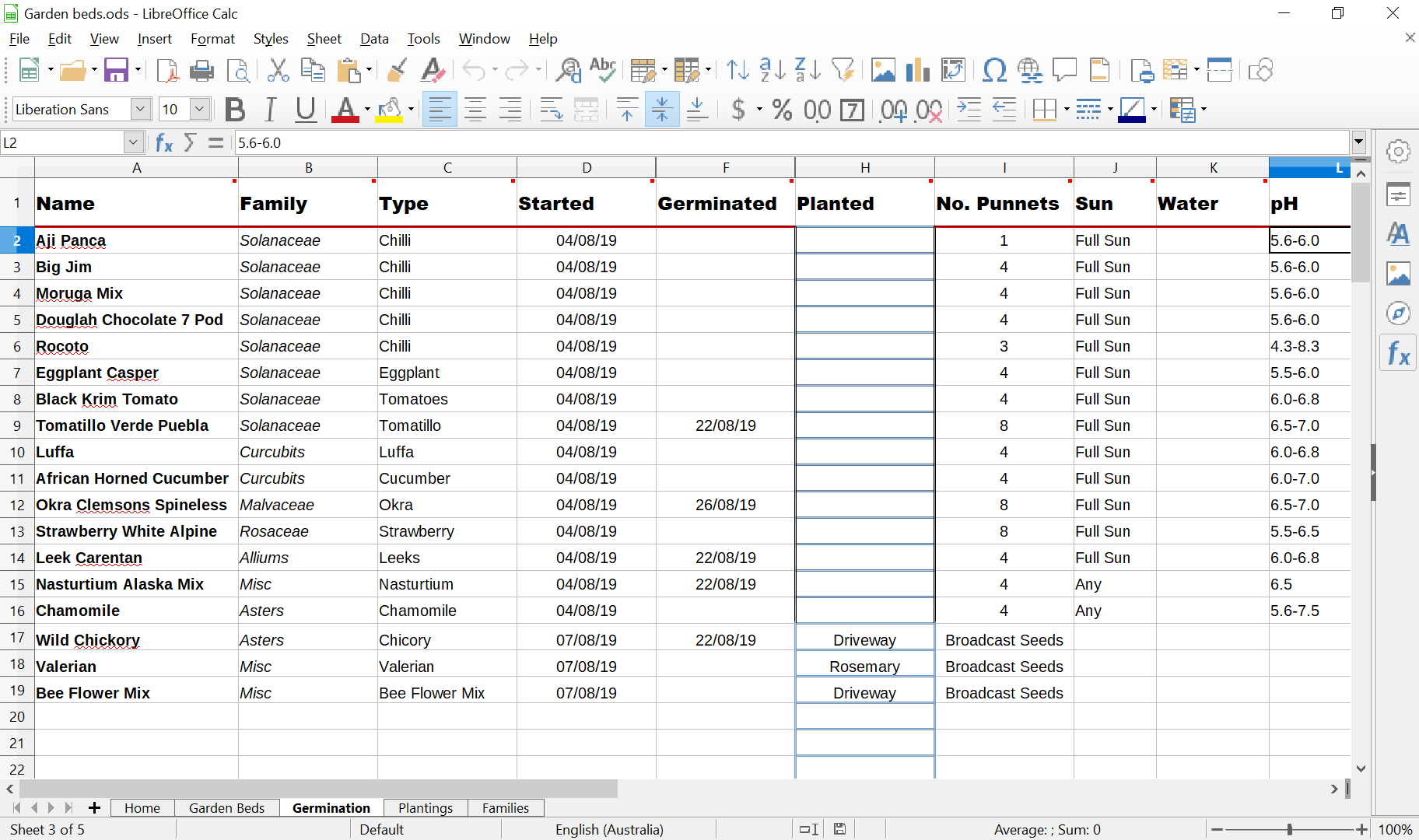
As part of this project, I wanted to become more confident with Excel. However – I wanted to try out the open source version Calc, published as part of LibreOffice. The interface and expressions are very similar. Because embedding the sheets into the page was problematic I’ve included screenshots, walkthrough videos and code.
Selecting these images will open a new window.




Videos
The following three videos will walk you through the spreadsheet, the germination page, and the array functions used.
Code!
In hindsight, I could probably now write the code a lot cleaner, however these are some of the significant codes in the cells.
This is the code which returns the most recent date that a plant family was planted in a particular location;
=IF((SUMPRODUCT(--($Plantings.$D2:$D100=D4),--($Plantings.$B2:$B100=B4),$Plantings.$A2:$A100))=0,"Never",(MAX(IF(test=1,$Plantings.$A2:$A100))))
The code for returning how many plants to be planted;
=SUMPRODUCT(--(Glist="Y"),(Gcount))-SUMPRODUCT(--(Pcount="Y"),(Gcount))
To return the number of germinated plants;
=COUNTIF(Gdate,">1")
To return the next fertilizer date;
=INDEX(fert,MATCH(B4,name,0))
 Susannah Bourke